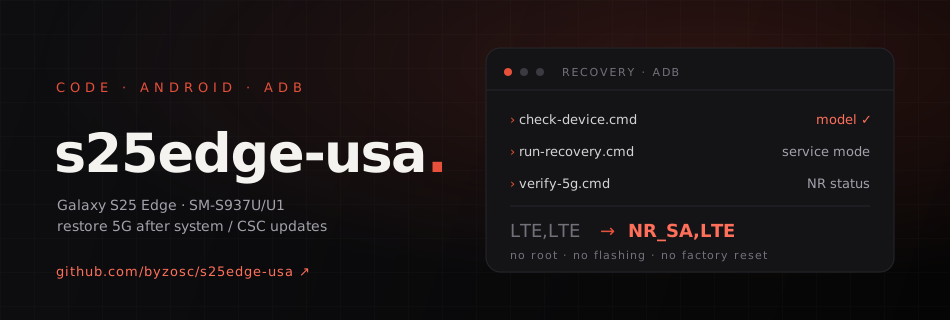
A recovery kit for the US Galaxy S25 Edge (SM-S937U / SM-S937U1). It re-applies the Samsung Service Mode settings this phone needs for China Mobile 5G — settings that a system update including the CSC can reset, which would otherwise mean walking through hidden engineering menus by hand after every such update. Here it's a double-click: check-device.cmd, run-recovery.cmd, then verify-5g.cmd.
It doesn't root the phone, unlock the bootloader, flash firmware, change the CSC or factory-reset anything. Instead it drives Samsung's own Service Mode over ADB: it opens the menu through the Samsung dialer, clicks through by matching on-screen menu text with UI Automator — never fixed coordinates — and stops the moment it can't confirm the page it's on. Verified on a real device, where the radio state went from LTE,LTE to NR_SA,LTE.
Safety boundaries
- Runs only on SM-S937U/U1; any other model is refused.
- Never stores the IMEI, phone number, IMSI, ICCID or cell location; device logs are redacted.
- Leaves optional settings such as mmWave, CA combos, DSS and NRDC alone — and software can't add bands the hardware doesn't support.
Why not a single adb settings command? Those switches live in the modem's engineering configuration, not in Android's public Settings database, so there is no reliable public key to write — the actual change is still made by Samsung's Service Mode. MIT-licensed.