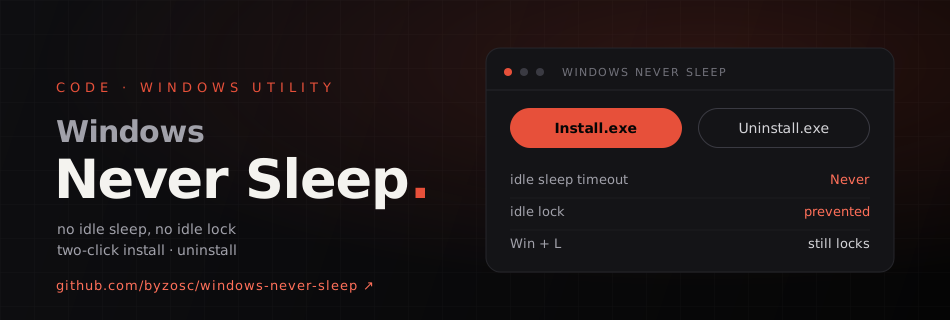
A tiny open-source Windows utility that keeps a PC awake and stops it from locking itself when idle — with exactly two buttons. Install.exe installs it, starts it right away and turns on auto-start at sign-in; Uninstall.exe stops it, removes the auto-start, restores the previous sleep timeout and uninstalls it. Pressing Win + L still locks the screen, and manual sleep, shutdown and the power button keep working.
How it works
- Uses native Windows power requests to prevent idle sleep.
- Sets the active power plan's AC/DC idle sleep timeout to Never, and remembers the previous values so uninstalling restores them.
- Sends a non-text
F15key pulse after a stretch of inactivity, so an idle-lock policy doesn't trigger. - Installs per user under
%LOCALAPPDATA%; administrator rights aren't required in the normal case.
One side effect worth knowing: the F15 pulse also resets Windows' display-off timer, so if you need a dark screen while unattended GUI automation keeps running, switch the monitor off with its own power button.
Download the ZIP from GitHub Releases, extract it and double-click Install.exe; it can also be removed from Windows Settings → Apps → Installed apps. Written in C# and MIT-licensed.